
Simple print
Use this when you just need a clean printout.
- Open Decisions in your browser
- Open the meeting agenda and select the Menu (3 line "hamburger" symbol)
- Choose Agenda Print
- Select Simple Print
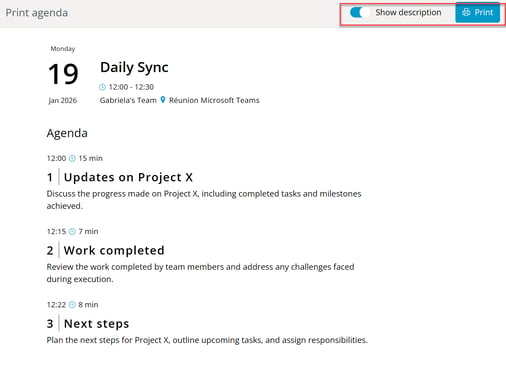
- Once the agenda opens, choose whether to include the agenda items description and click Print
Print in Word
Use this when you want to edit, add notes, or apply your own formatting before printing.
- Open the meeting agenda and select the Menu (3 line "hamburger" symbol)
- Choose Agenda Print
- Select Open in Word, and click Save
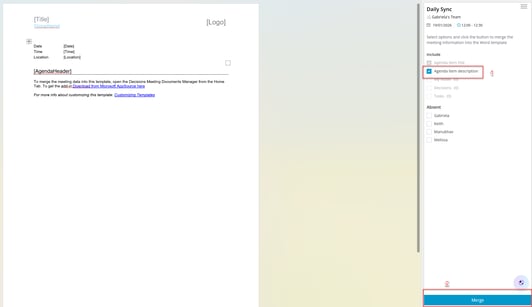
- Once the agenda opens, choose whether to include the agenda items description and click Merge
- Print from Word, or save and share it
Note: The Word agenda can be customized with your branding (logo, layout, fonts). See Customise document templates.