
Decisions now matches Teams dark mode
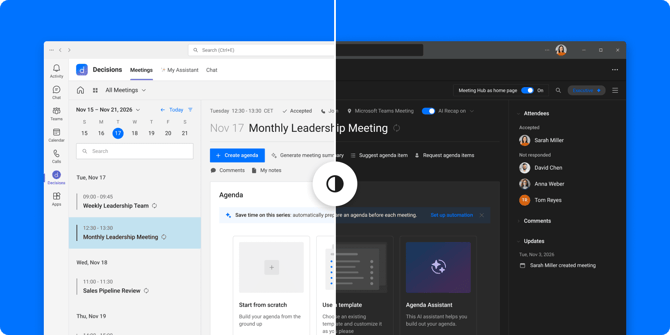
Use Microsoft Teams in dark mode? Until now, opening Decisions meant a brighter screen than Teams. Now Decisions can be dark, too.
If you already use Teams in dark mode, Decisions will offer to switch the next time you open it.
To turn it on yourself:
1. Open My Settings in Decisions
2. Go to Appearance
3. Choose Dark, or Follow Teams theme to switch automatically